Users
Accounts of the center (owner only).
In the app: /admin/users
Screens
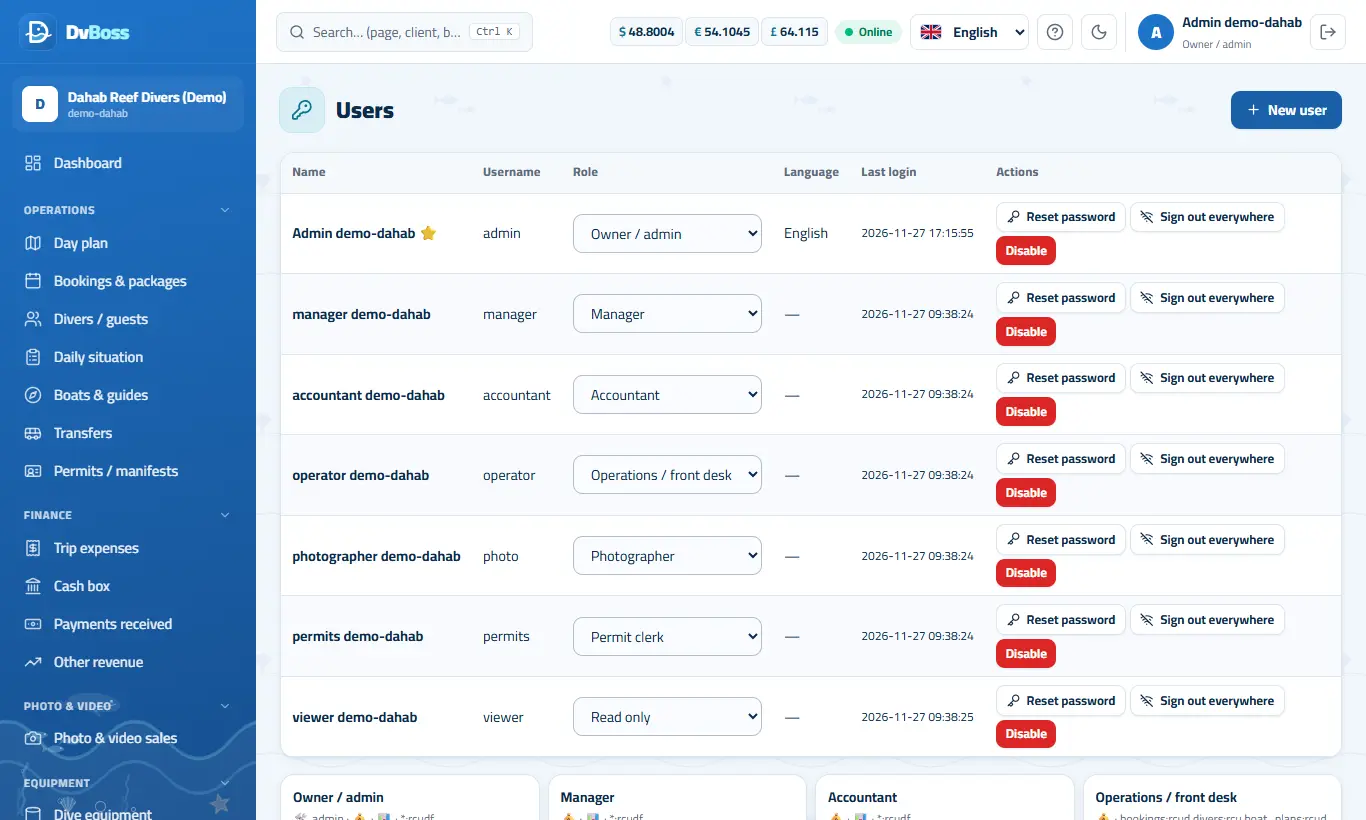
Buttons and controls
New user — name, username (3–40 characters), password (6+), role, language.
Role — change directly in the list (you can't lower your own role).
Reset password — sets a new password and signs the user out.
Sign out everywhere — ends all sessions of that user.
Disable / Enable — blocks or restores access (you can't disable yourself).
Good to know
The cards at the bottom describe what each role may do.