Reports
Dashboard, daily report, boats, profit & partners, and the clients / agencies statement — what each number means and where it comes from.
Who uses it: Manager, accountant, owner, read-only
Step by step
- 1
Dashboard — the selected day at a glance: net, trips, guests, revenue, expenses, photo, trip status, rates, today's bookings, equipment, crew and a 14-day chart.
- 2
Daily report — one day (or a month): every money source per currency, expenses by type, revenue by client, photo by photographer.
- 3
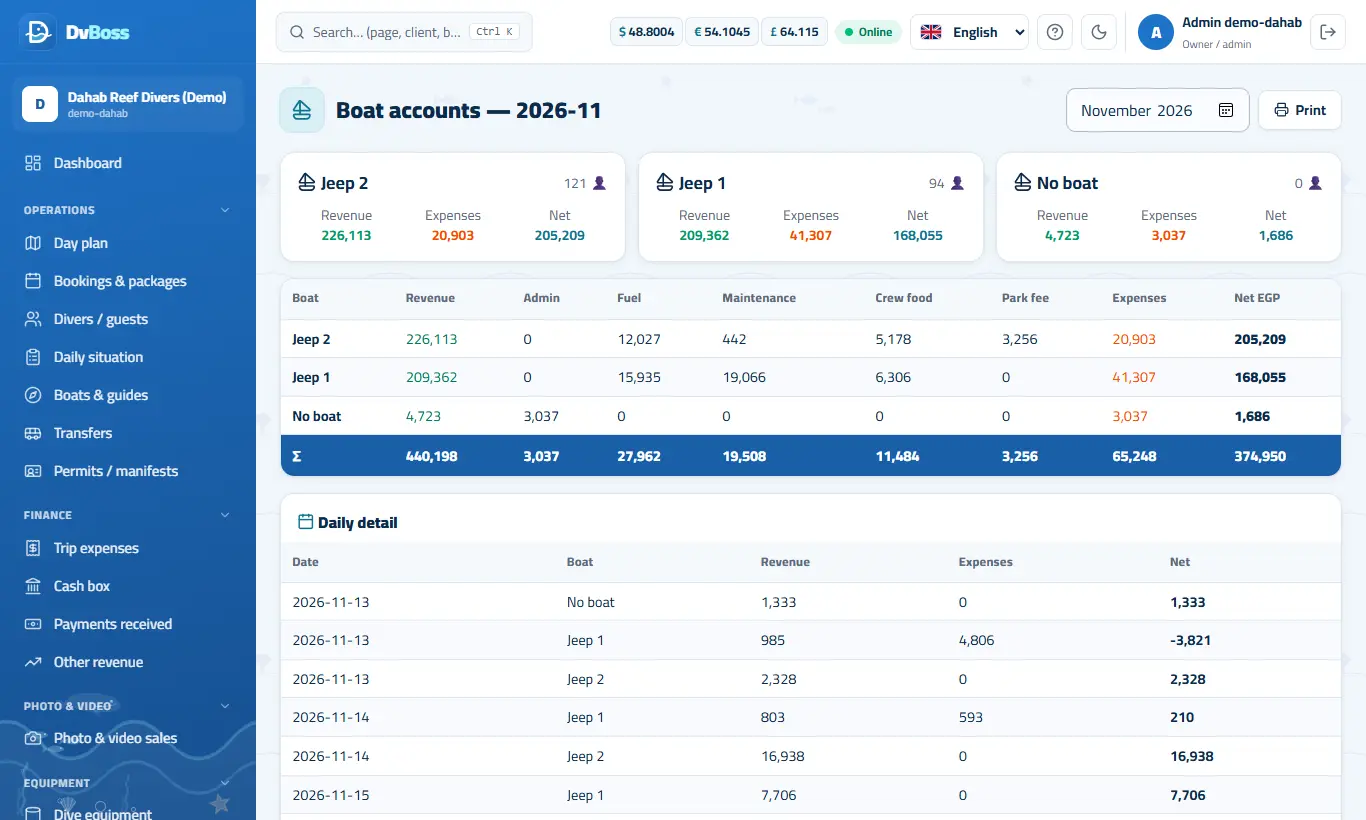
Boats — the month per boat: revenue, guests, expenses by type and net, with a day-by-day table.
- 4
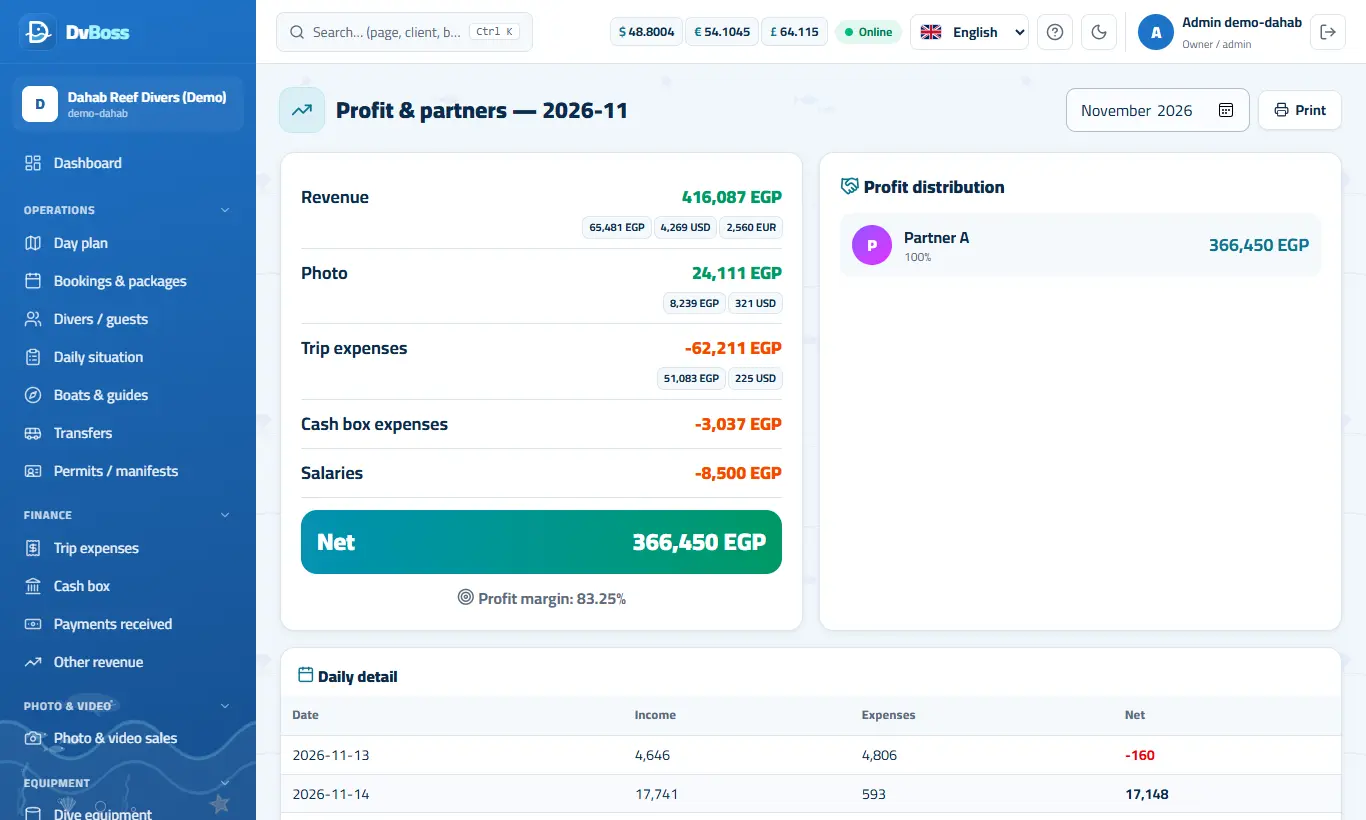
Profit & partners — the month's profit and each partner's share.
- 5
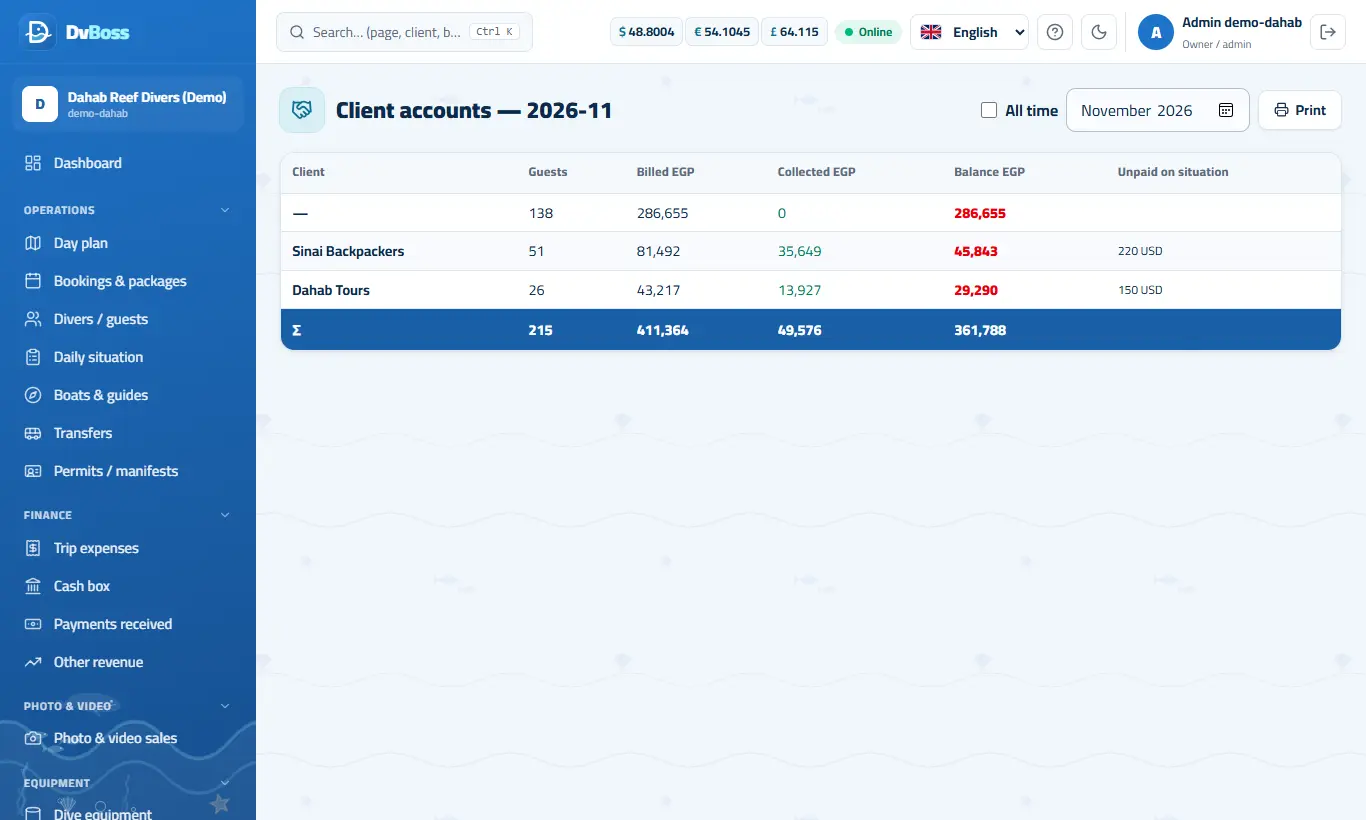
Clients & agencies — billed, collected and balance per agency.
- 6
Every report has Print; the daily report can also be sent by WhatsApp.
Worked example: Profit split
December: revenue 40,500, photo 2,600, trip expenses 4,950, cash box expenses 700, salaries 9,300.
Net = 40,500 + 2,600 − 4,950 − 700 − 9,300 = 28,150. Partner A (60%) gets 16,890; Partner B (40%) gets 11,260.
Screens