Mobile app
The same system on an Android phone, made for the jetty and the boat: it keeps working without signal and uploads later.
Who uses it: Guides, staff at the jetty, permit clerk, managers on the move
Step by step
- 1
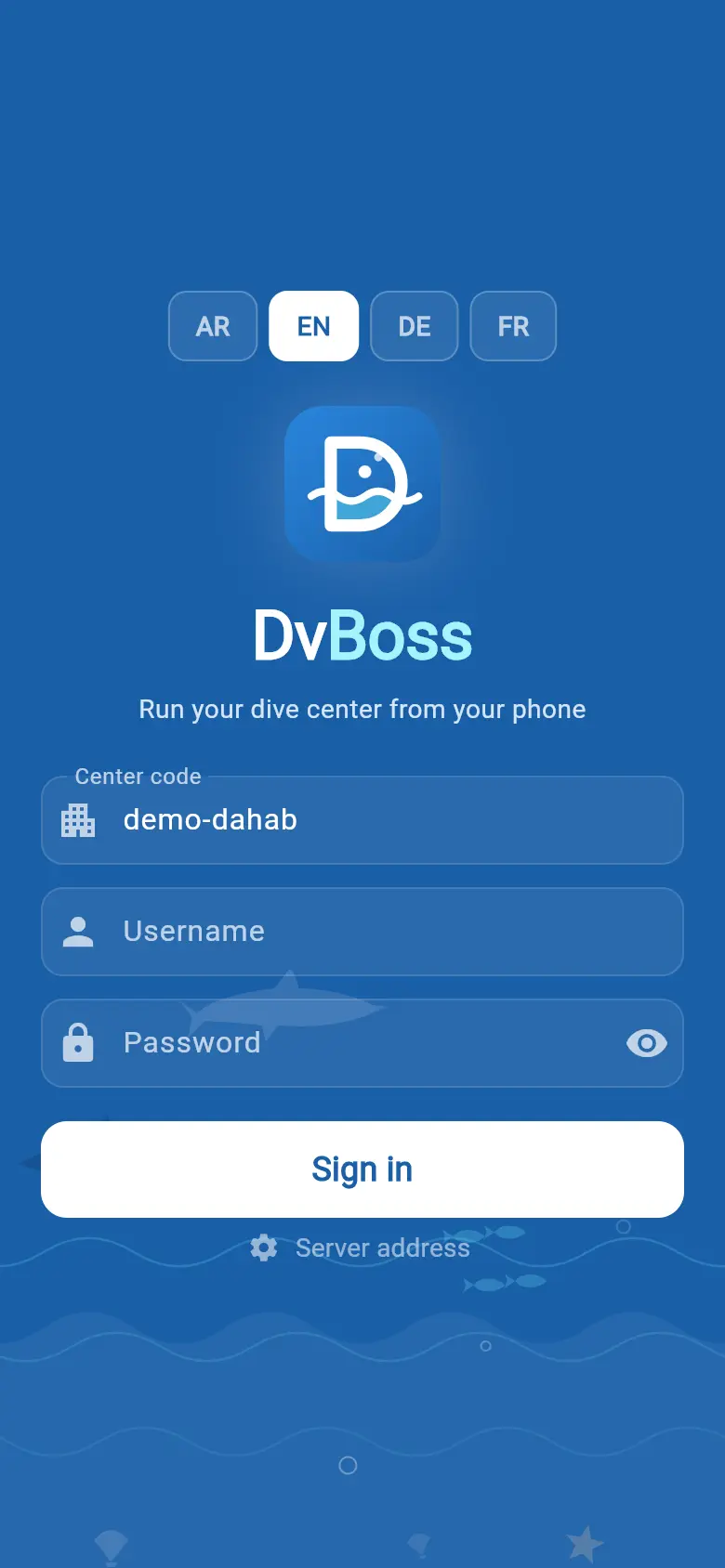
On the sign-in page tap Download the mobile app (or open app.dvboss.com/download/DvBoss.apk) and allow installing from this source the first time.
- 2
Open DvBoss, choose your language, type the center code, username and password, and sign in.
- 3
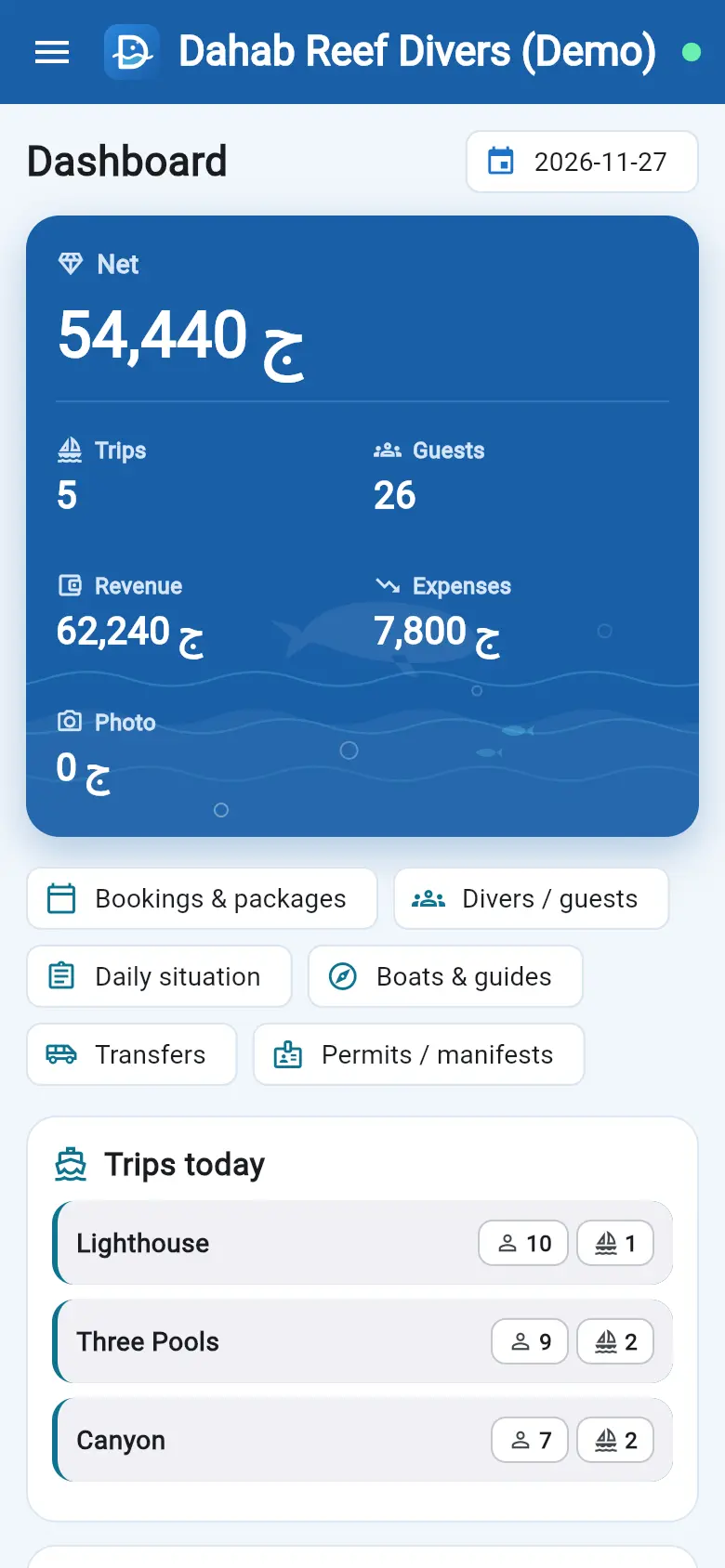
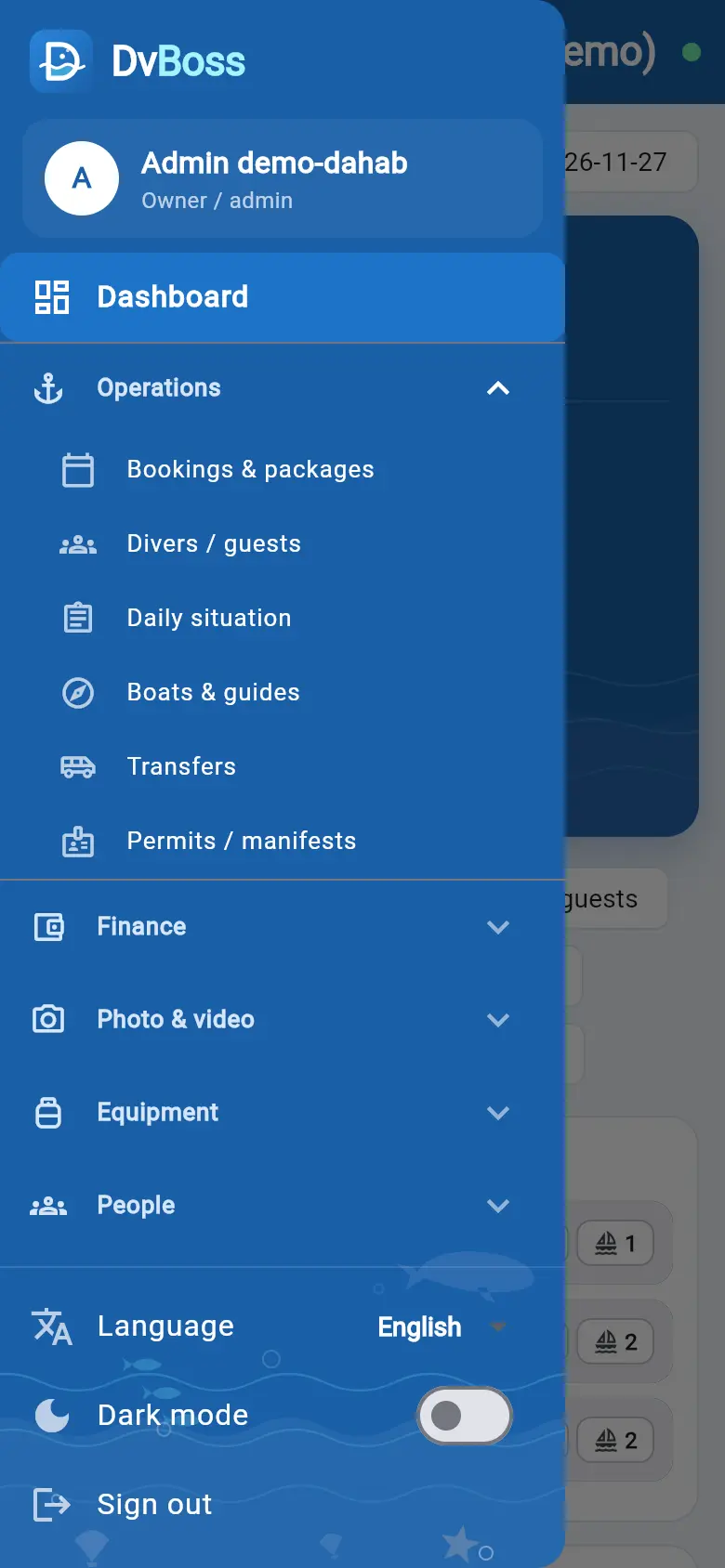
The home screen shows today's numbers, quick links and the trip status. The ☰ menu opens every screen your role may use.
- 4
Lists and forms work like the web: pick a day, add or edit a row, save.
- 5
Without signal, what you save stays on the phone in Waiting to upload and is sent automatically when the connection is back (checked every 20 seconds); the form says "Saved on device — will upload when online". The dot in the top bar is green when online.
Tips
The download link never changes and always gives the latest version: app.dvboss.com/download/DvBoss.apk. Installing a new version keeps your sign-in.
Server address: leave it as it is unless your administrator tells you otherwise ("Server address" under the sign-in button).
Screens