Administration & settings
Users and roles, the lists everything picks from, currencies and center settings.
Who uses it: Owner / admin (lists: also the manager)
Step by step
- 1
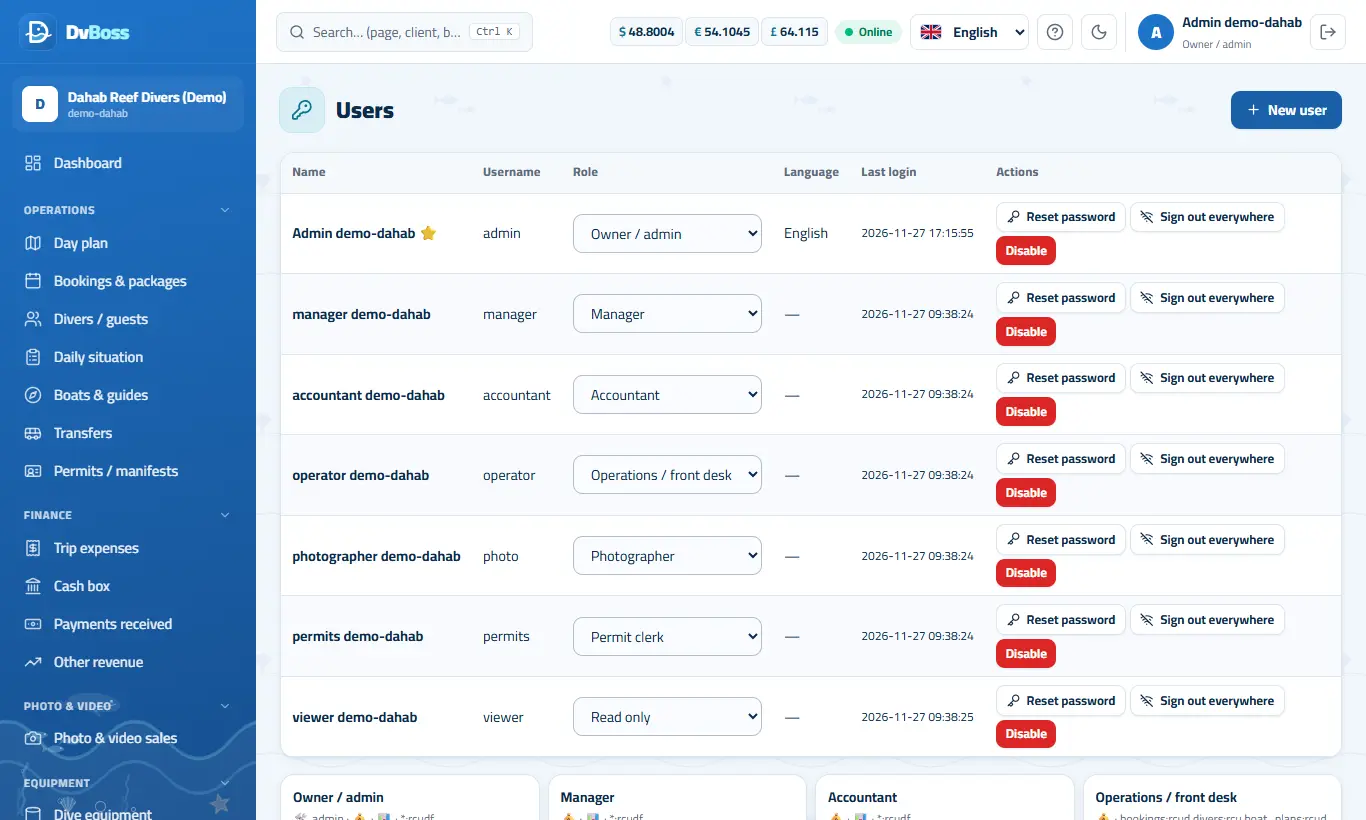
Users — create one account per person: name, username, password (6+ characters), role and language. You can change a role, reset a password, sign someone out everywhere, or disable an account.
- 2
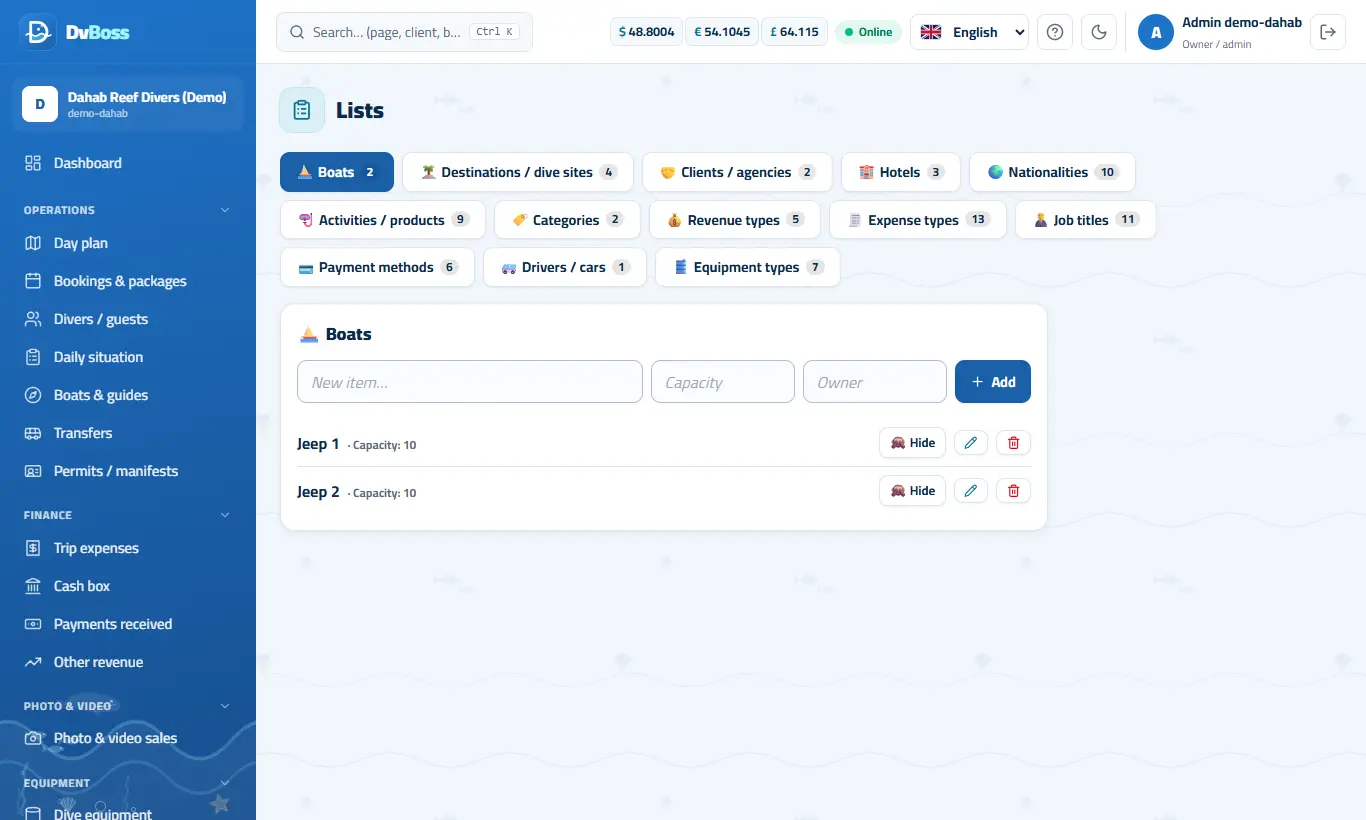
Lists — fill the choices used in every form: boats (capacity), destinations/trips (park fee yes/no), activities (standard price and equipment price), agencies, hotels, nationalities, revenue categories and types, expense types, jobs, payment methods, drivers and equipment types.
- 3
Rates — the exchange rate history (see Finance).
- 4
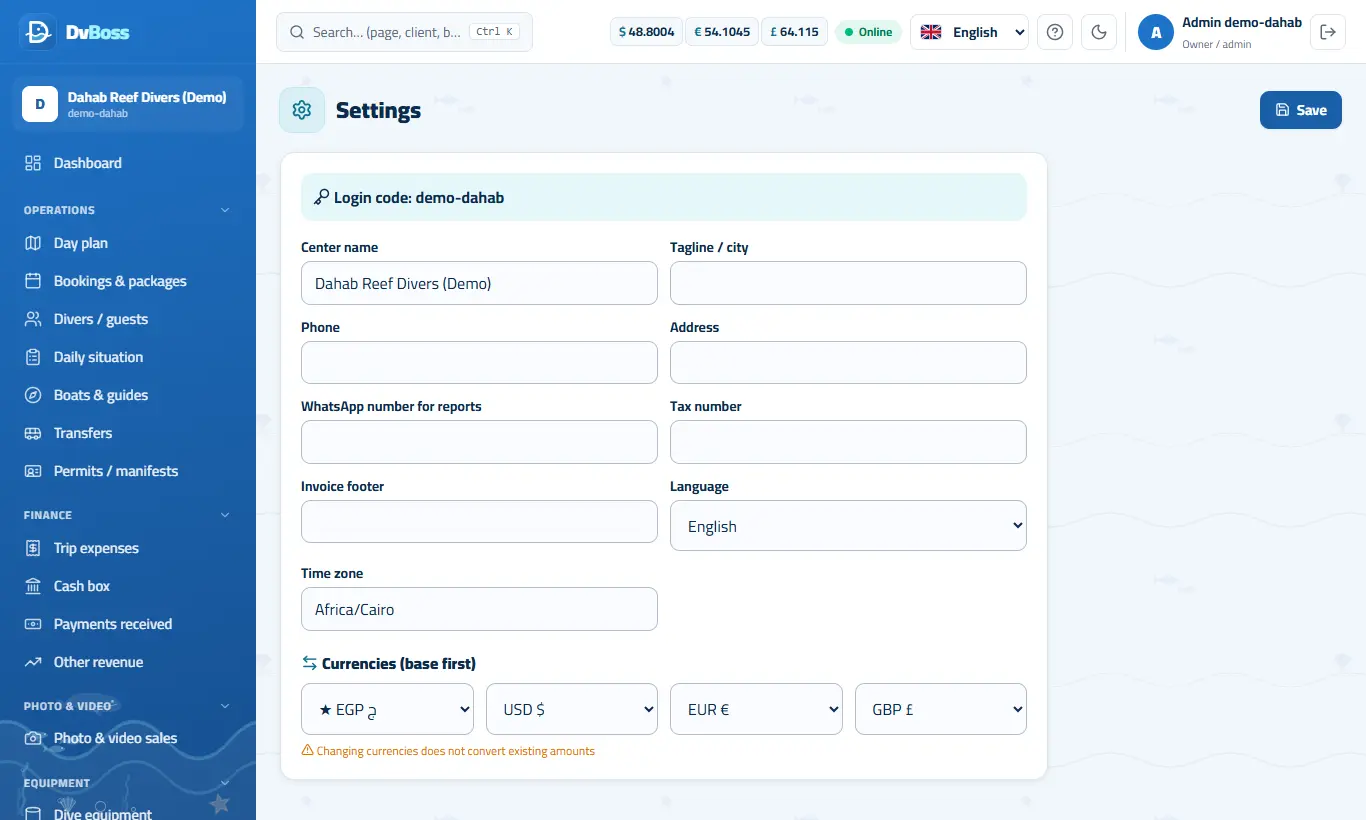
Settings — center name, tagline, phone, address, WhatsApp number for reports, language, time zone and the four currencies (base first).
- 5
Trash and Audit log — see Closing the day.
Common mistakes
A user can't see a screen. Their role doesn't allow it — check the roles table below.
Screens