Closing the day
After checking, the day's rows are closed as final: only a manager, accountant or owner can reopen them, and every change is logged.
Who uses it: Accountant, manager, owner
Closing protects checked numbers. A final row can't be edited or deleted by the front desk; the form opens read-only with "🔒 Final". Situation, trip expenses, cash box, commissions and the staff ledger can be closed.
Step by step
- 1
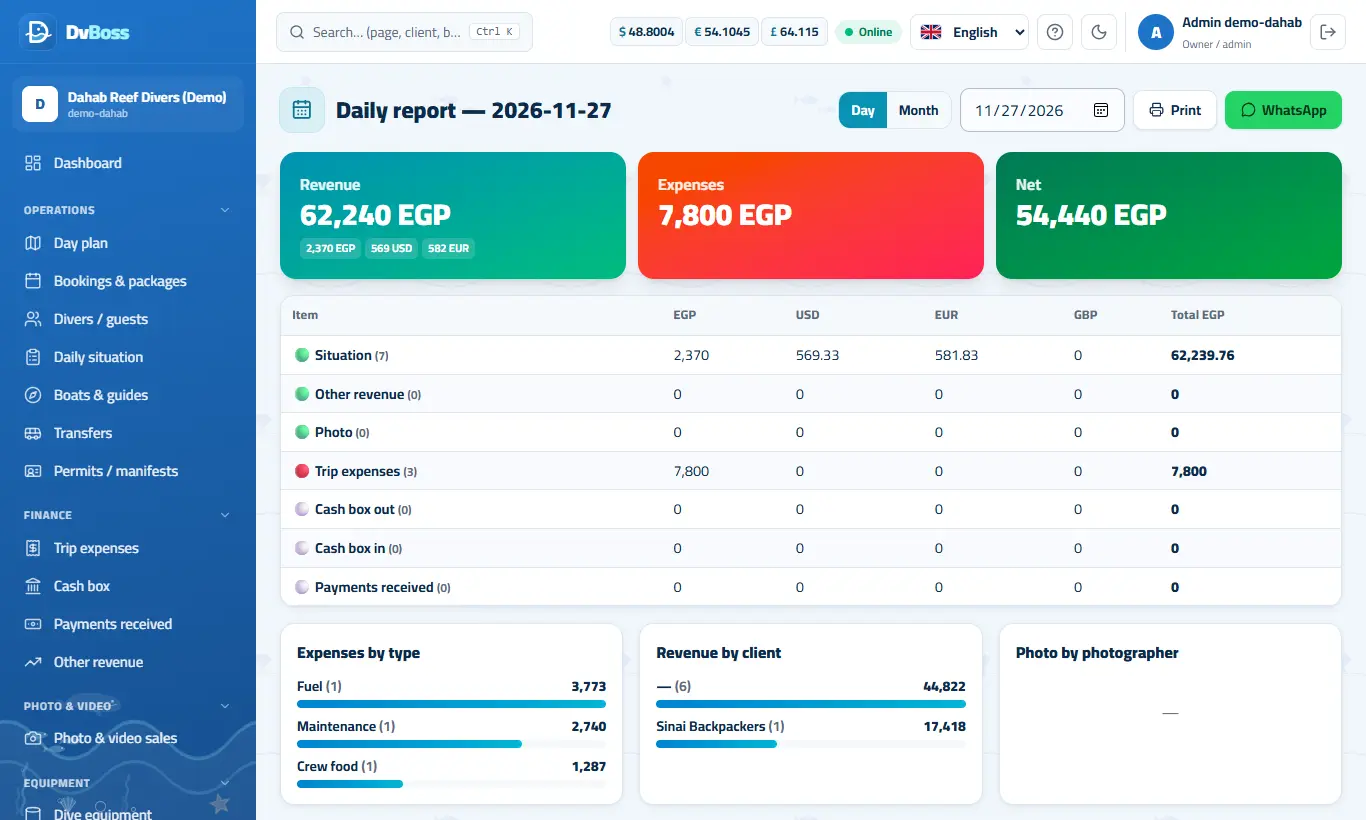
Open the Daily report for the day and compare it with the cash you counted and the receipts.
- 2
Open Daily situation (then Trip expenses, Cash box) for that day.
- 3
With nothing selected, click Finalize day: all rows shown that are not final yet are closed. Or tick some rows first and click Finalize to close just those.
- 4
To correct a closed row, a manager/accountant/owner ticks it and clicks Unlock, edits, and closes it again.
- 5
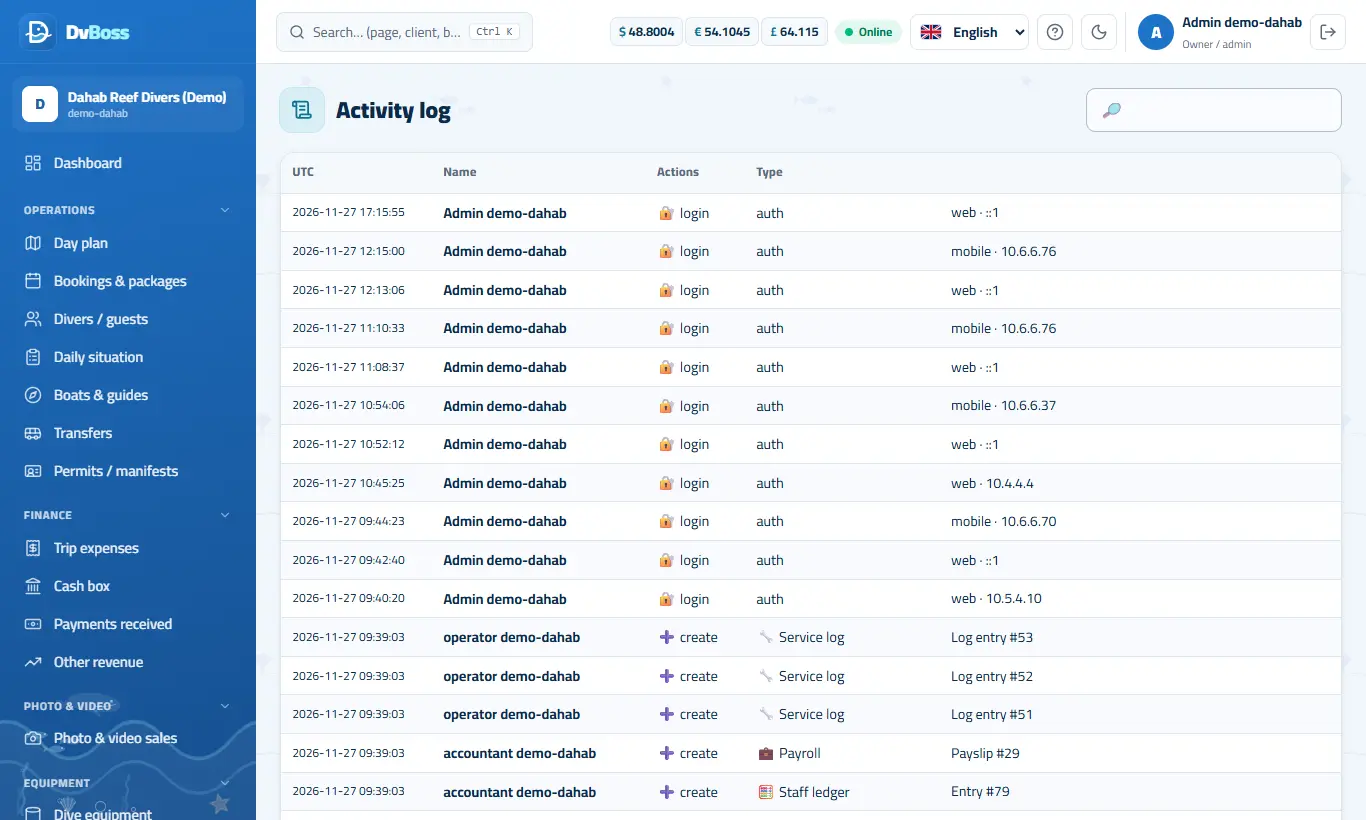
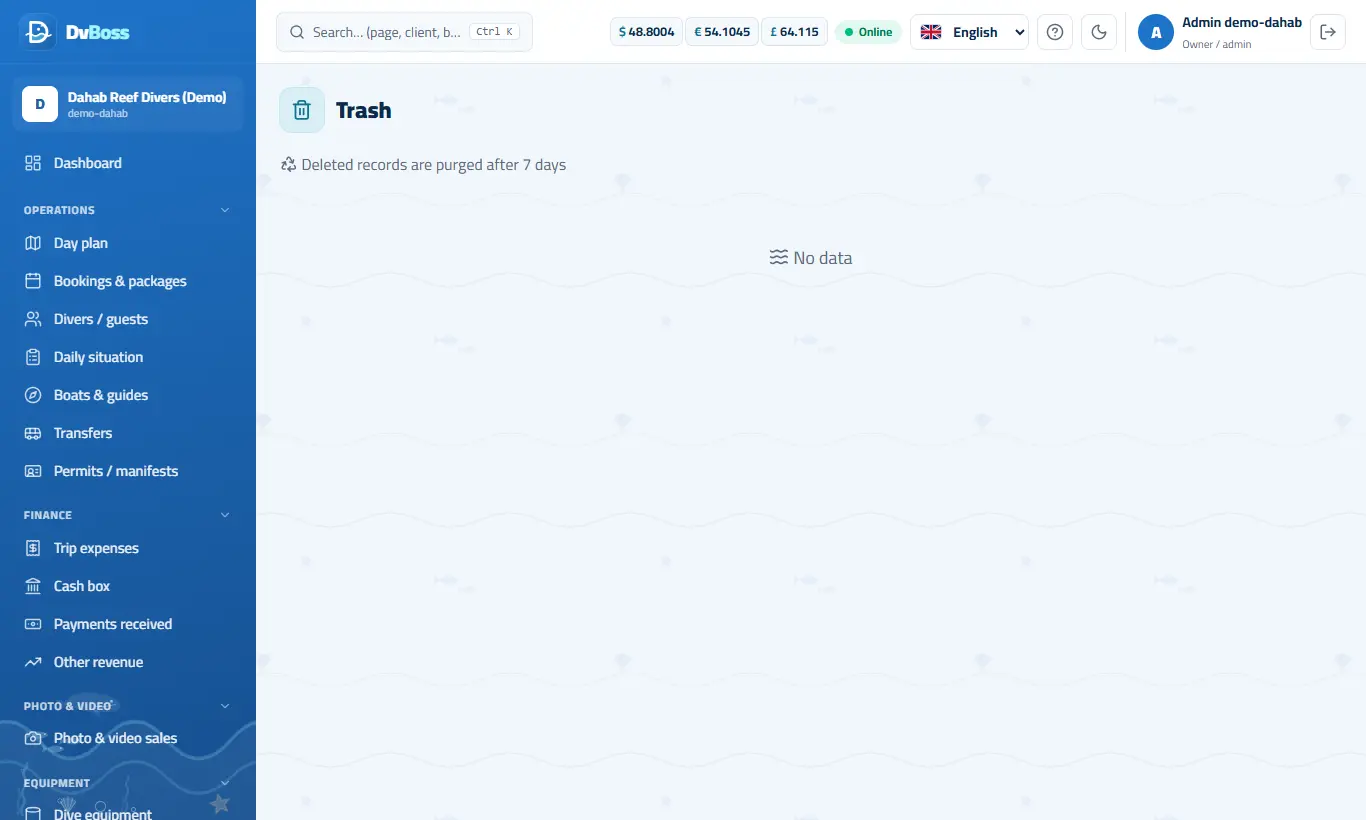
The owner can see every change in the Audit log and bring back deleted rows from the Trash.
Common mistakes
"Record is final and locked — managers only". The row is closed. Ask a manager or accountant to unlock it.
Screens