Bookings & packages
A booking is a package of days, prices and divers. It calculates the invoice, writes the WhatsApp invoice and team brief, and fills the daily situation for you.
Who uses it: Front desk, manager
Use a booking whenever a guest or group books ahead or for more than one day. Walk-ins for a single trip can go straight onto the daily situation instead. A booking holds the guest, the divers (with levels and sizes), the program day by day and the money; once it is confirmed, each program line becomes a row on the situation of its day.
Step by step
- 1
Open Bookings & packages and click New booking.
- 2
Fill in Guest & source: lead guest name (required), phone, package name, source (WhatsApp, website…), sales person, partner agency, hotel, nationality, status, booking date and number of adults.
- 3
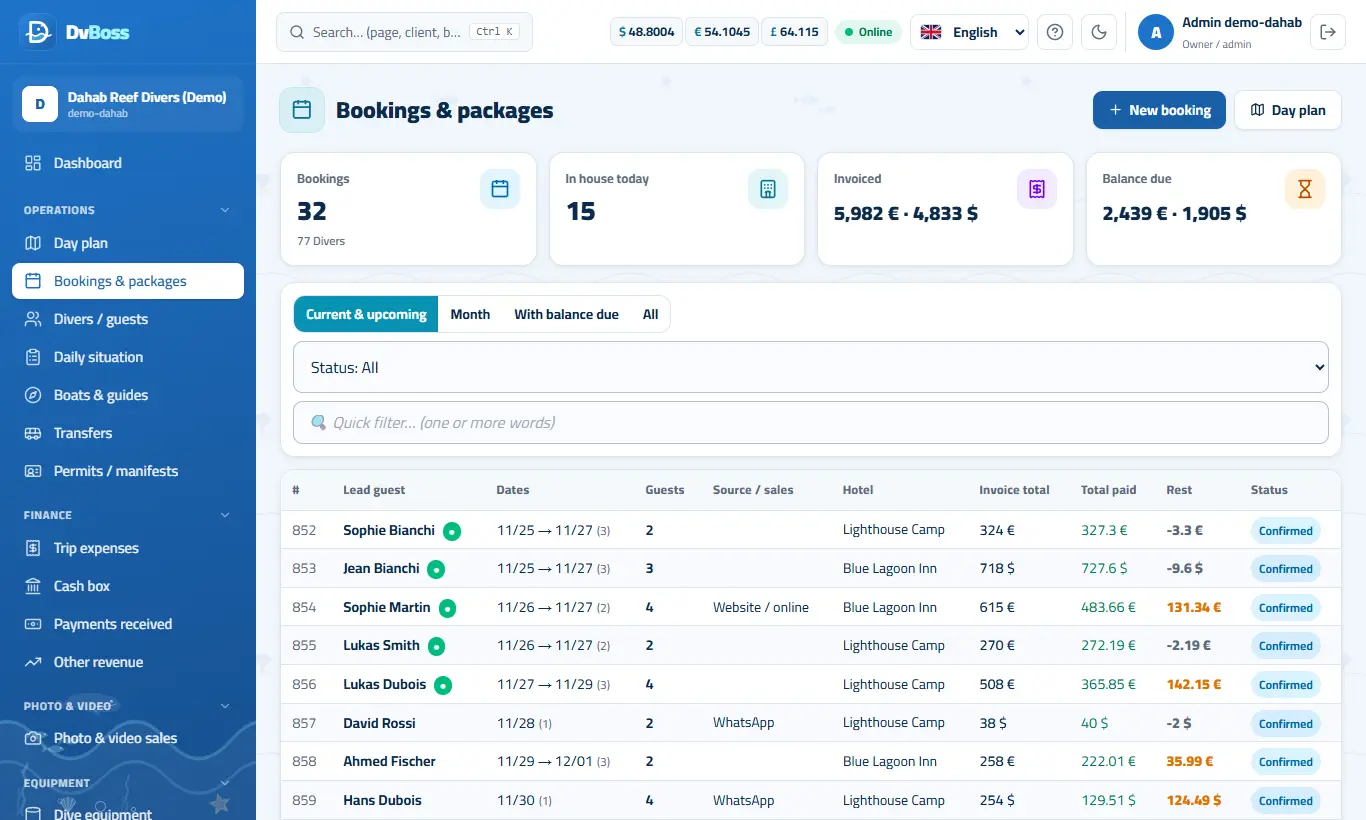
Under Divers, search a returning guest by name or phone and pick them, or click + Diver and type the details: level, last dive, logged dives, suit/BCD size, shoe size, weights and medical notes.
- 4
Under Program & prices, use Add days quickly: from date, number of days, destination, activity, people, price and equipment per person, then Add days. Each day becomes a line you can still edit.
- 5
Choose the invoice currency, a discount %, the park fee per person, and what was paid in advance. The invoice, paid and rest are calculated live.
- 6
Press Save. Copy the WhatsApp invoice for the guest and the Team brief for the guides.
- 7
Set the status to Confirmed: every dated line now appears on the daily situation of its day, ready for boats and payments.
Worked example: 2 divers, 2 days, 10% online discount
Hans and Anna Müller book two days: day 1 Ras Mohamed fun dives, day 2 Tiran fun dives. Price €45 per person, equipment €15 per person, both destinations are in the national park (€5 per person), 10% online discount, €100 paid in advance.
- Prices: 2 × 45 + 2 × 45 = €180
- Equipment: 2 × 15 + 2 × 15 = €60
- Discount: 10% of 240 = −€24
- Park fees: 5 × 2 people × 2 lines = €20
- Invoice = 180 + 60 − 24 + 20 = €236
- Paid in advance €100 → Rest €136
After confirming, the situation of day 1 shows a row "Hans Müller · Ras Mohamed · 2 pax · Day 1/2 · Rest 1". When the guest pays the €136 on the boat, it is entered on that row in the EUR field and the booking's rest drops to 0.
Common mistakes
The booking doesn't appear on the situation. Check the status is Confirmed (or Done) and that the lines have a date and a destination.
The same guest shows twice in Divers. You typed them again with + Diver instead of searching. Search first; merge by editing one and deleting the other.
The rest is negative. The guest paid more than the invoice (or the deposit is bigger than the invoice). Check the amounts on the situation rows of this booking.
Tips
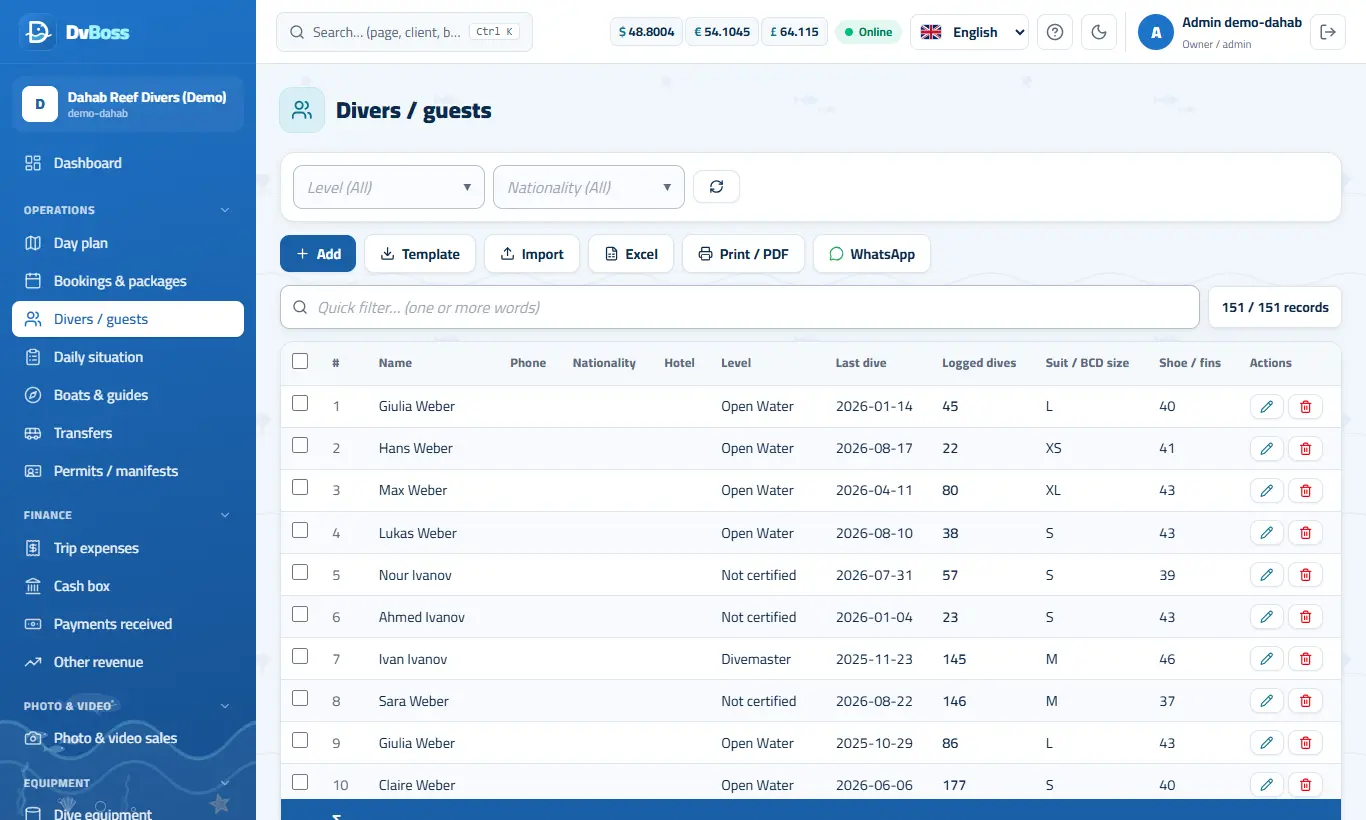
The With balance due tab lists every booking that still has something to pay — use it before guests check out.
The bookings list shows totals for the bookings shown: number of bookings and divers, in house today, invoiced and balance due per currency.
Screens
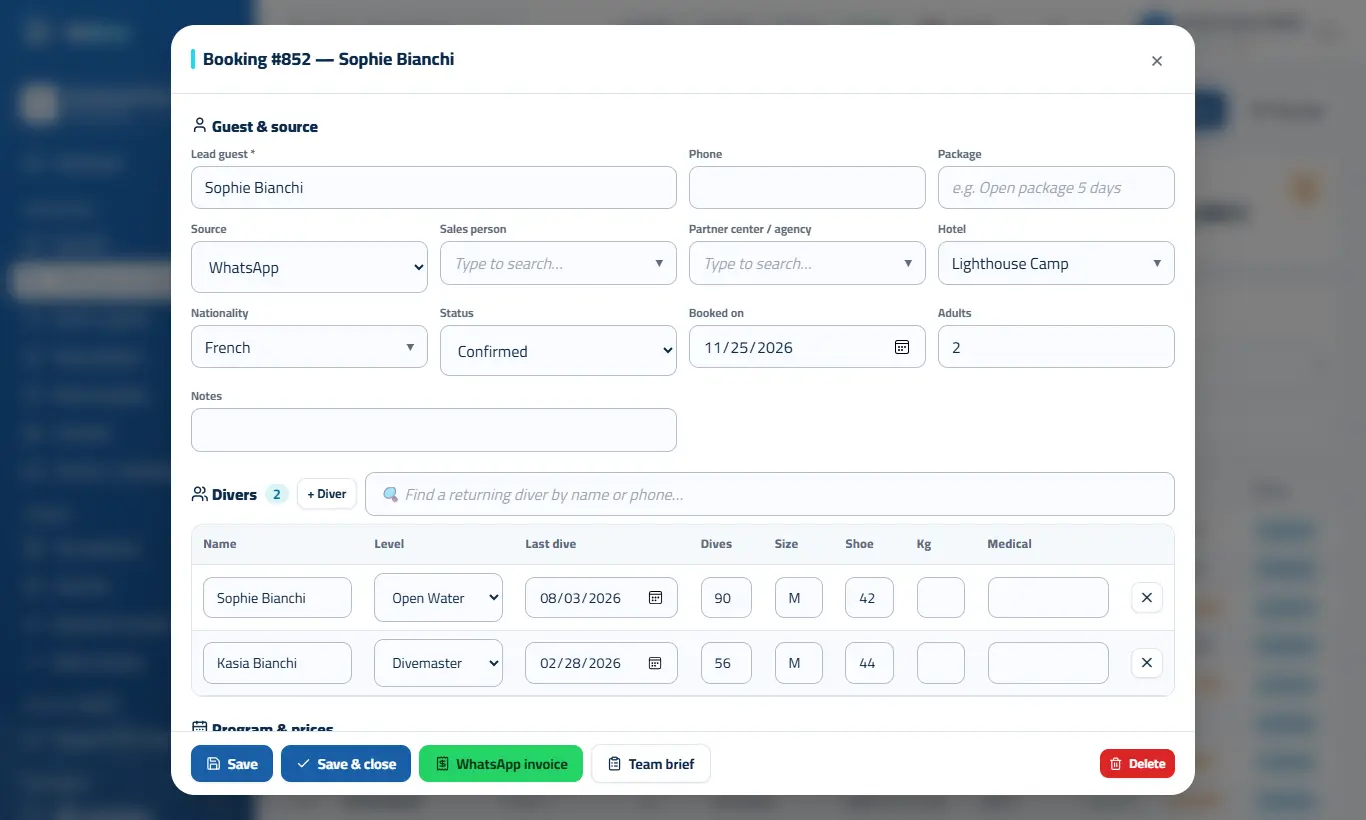 12345
- 1
Guest & source — lead guest, phone, package, source, sales person, agency, hotel, nationality, status, date, adults.
- 2
Divers — search a returning diver or add one; level, last dive, sizes, weights, medical.
- 3
Save / Save & close.
- 4
WhatsApp invoice — copies the invoice text (and Send to guest when a phone is set).
- 5
Team brief — copies levels and sizes for the guides.
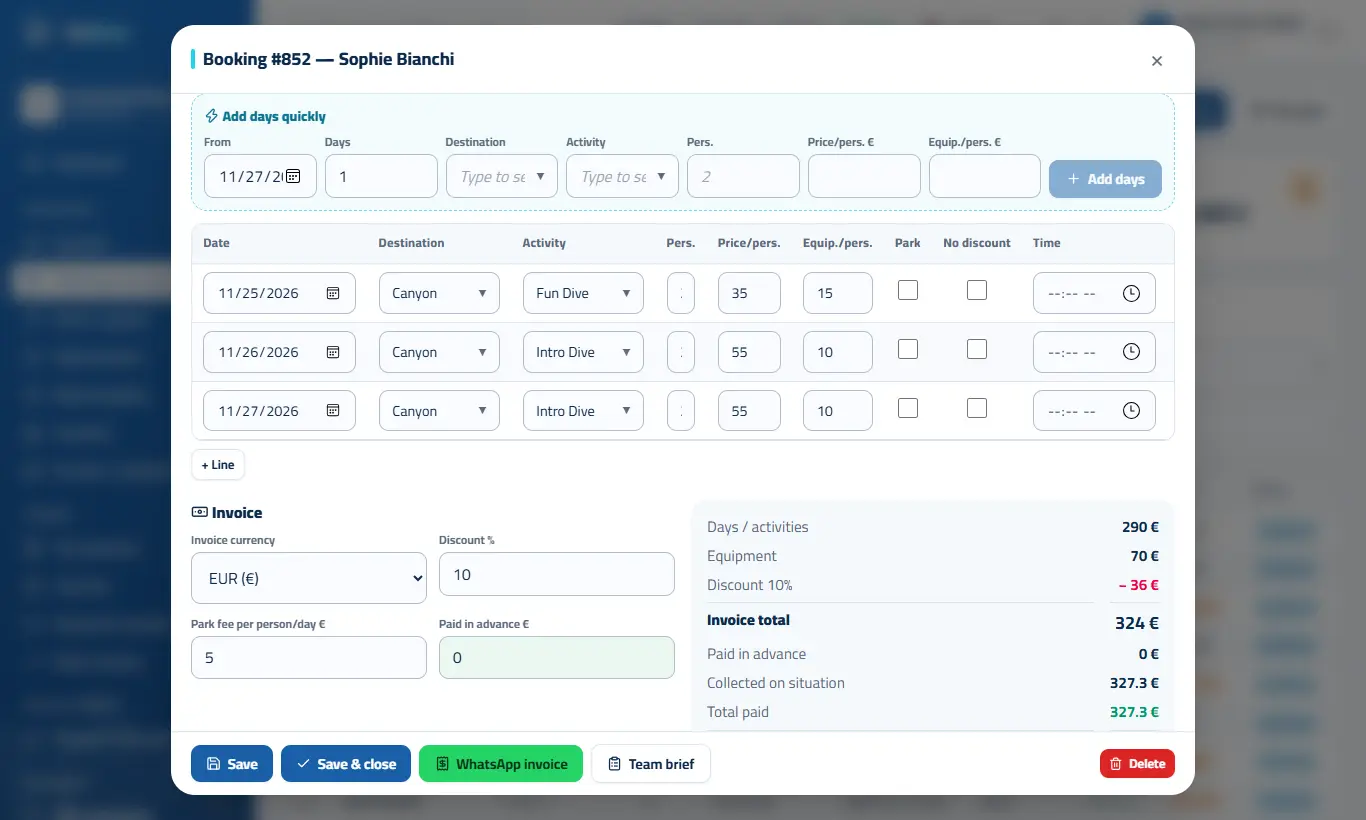 1234
- 1
Add days quickly — from date, number of days, destination, activity, people, price and equipment.
- 2
Program lines — one per day; tick park fee or no discount, edit any value.
- 3
Invoice — invoice currency, discount %, park fee, paid in advance, and the live invoice / paid / rest.
- 4
In the daily situation — the rows this booking created, with what was collected on each.