Finance, cash box & currencies
Exchange rates, trip expenses, the cash box, agency payments, photo sales and other revenue — and where each one counts.
Who uses it: Accountant, manager, photographer, front desk
Money comes in on the situation (trip sales), as other revenue (shop, rentals), photo & video sales and payments received from agencies. Money goes out as trip expenses (linked to boats) and through the cash box (admin spending, staff advances, custody). Everything is entered in the currency actually used and converted with the rate of its date.
Step by step
- 1
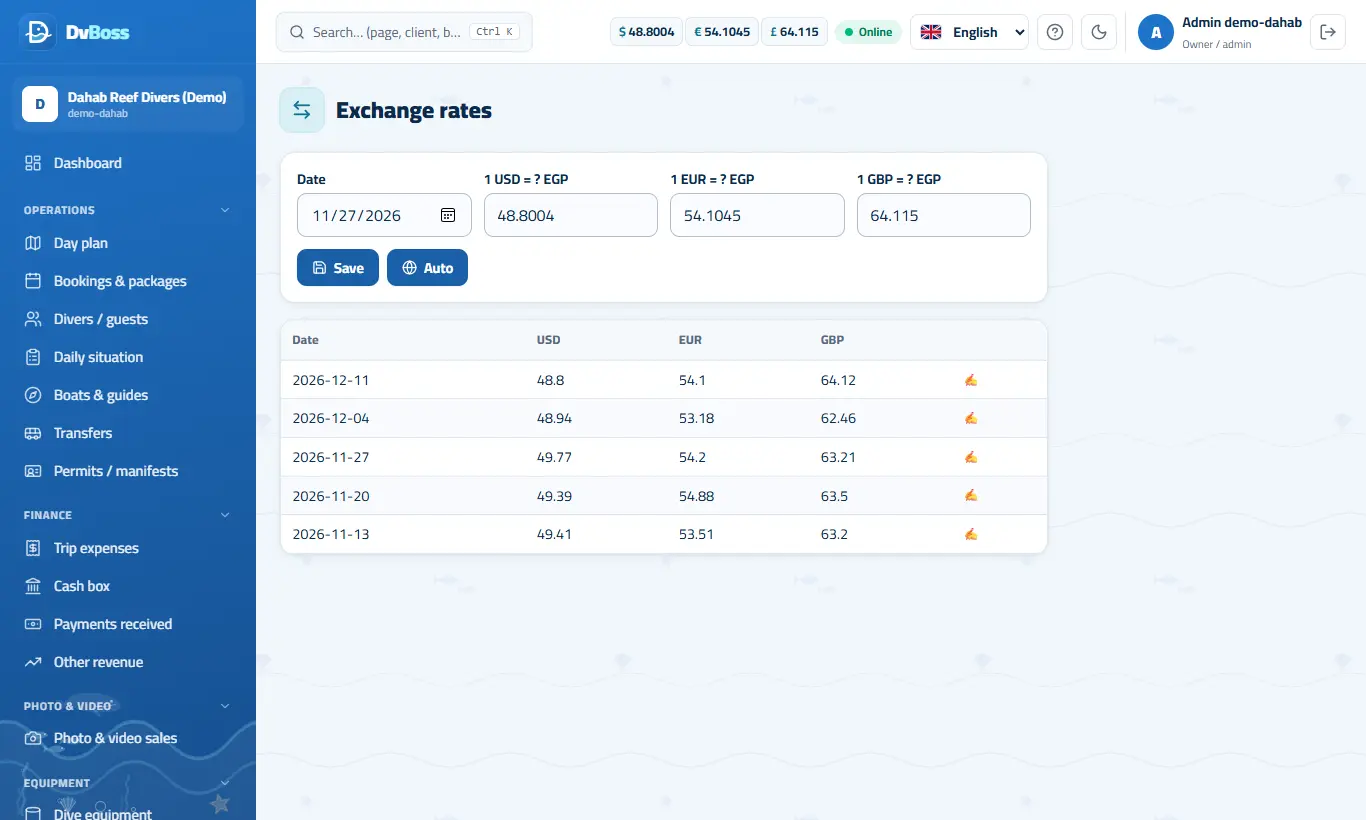
Every morning (or whenever the rate changes) set the exchange rates: open Rates, type how much base currency one unit of each foreign currency costs, or click Auto to fetch market rates.
- 2
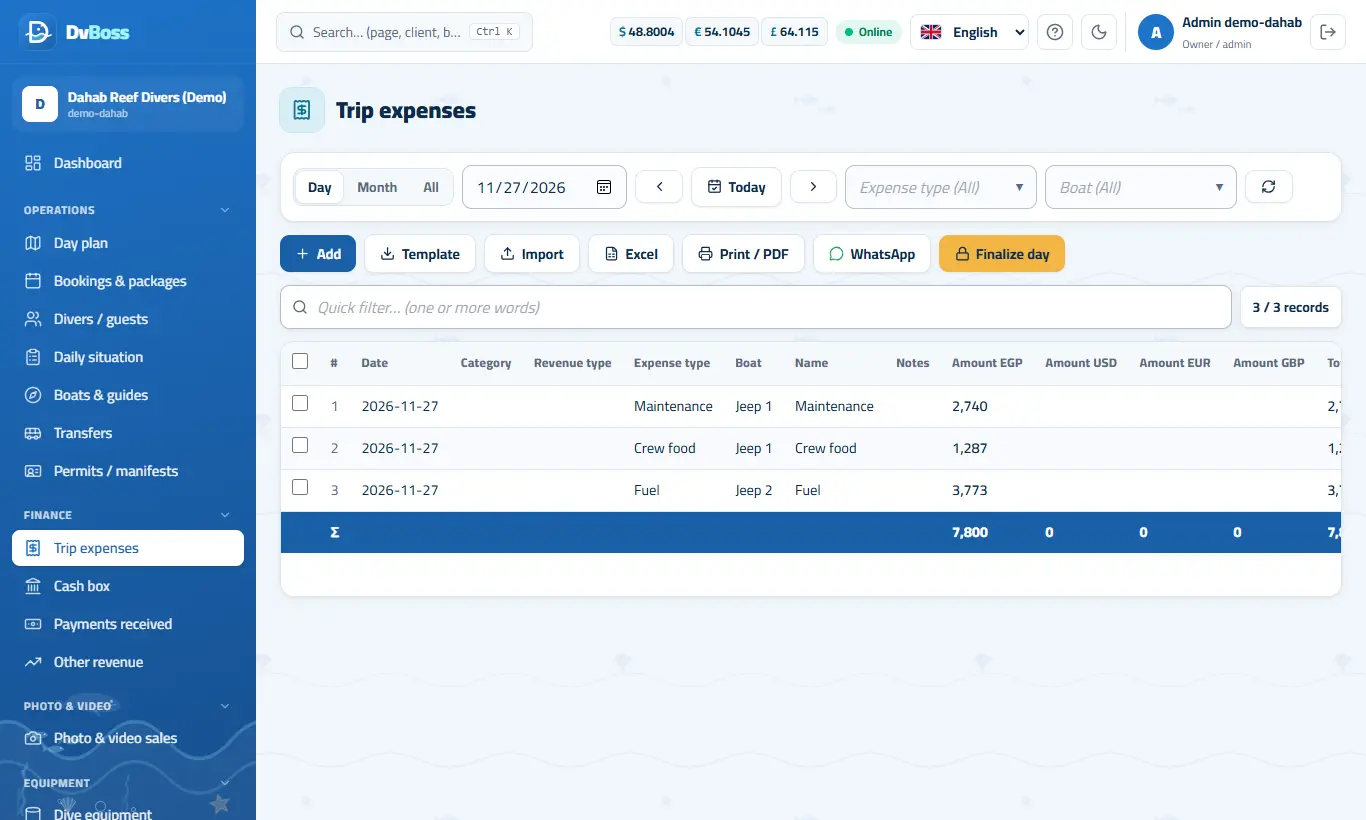
Enter trip expenses as they happen: fuel, crew food, park fees, maintenance… Pick the expense type and the boat so the boats report can split costs.
- 3
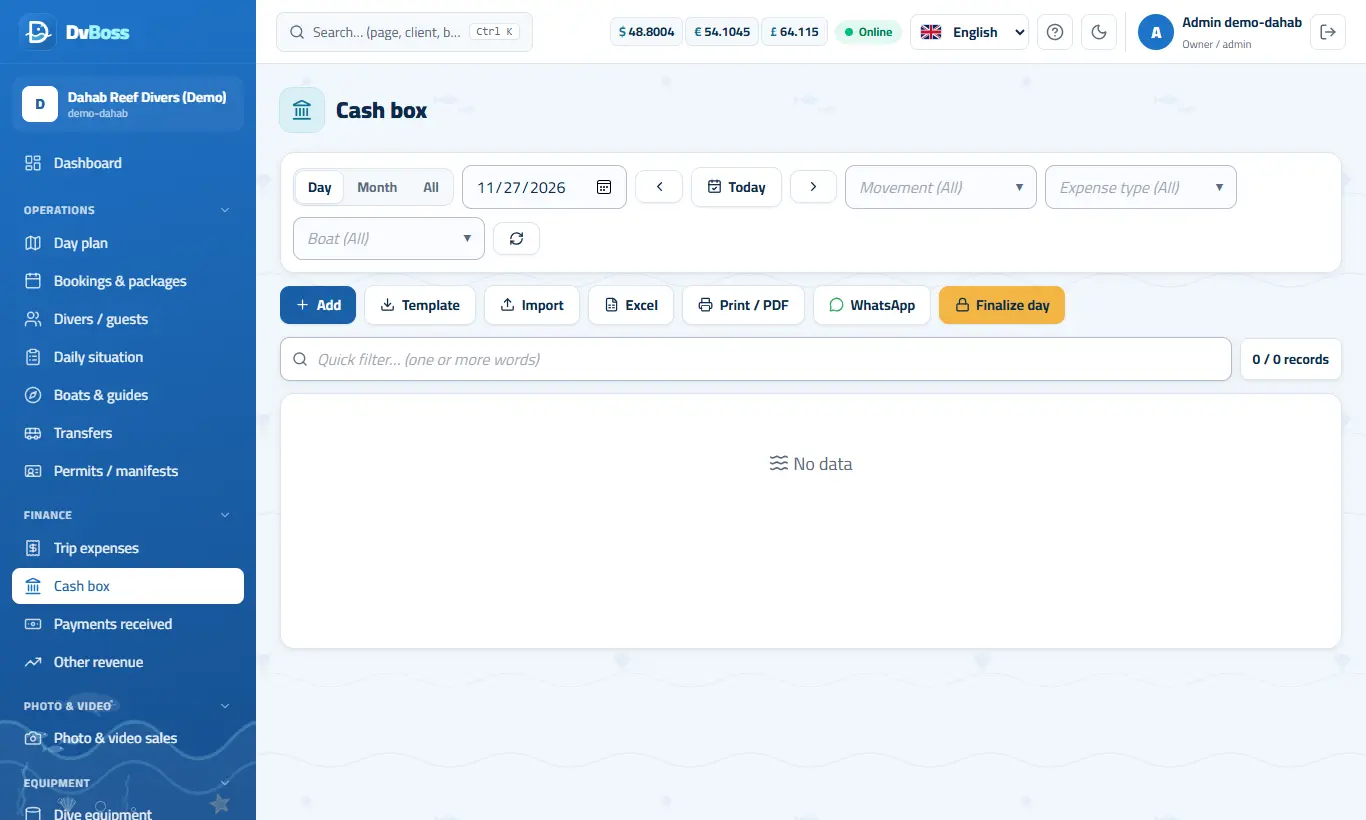
Use the cash box for everything else: money in (opening balance, deposits), admin expenses (internet, rent), staff advances and custody given to a staff member.
- 4
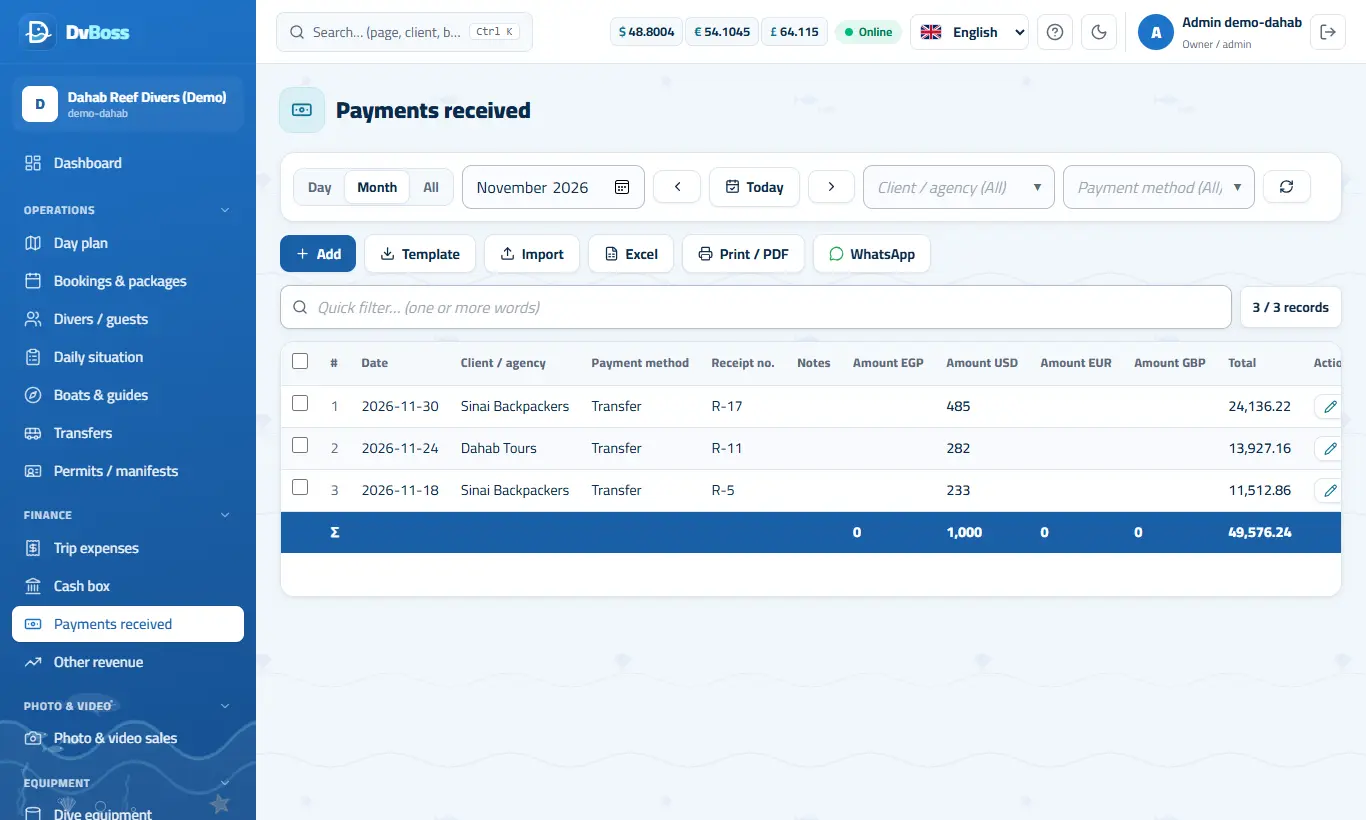
Record payments received from agencies with the payment method and receipt number — they reduce the agency's balance.
- 5
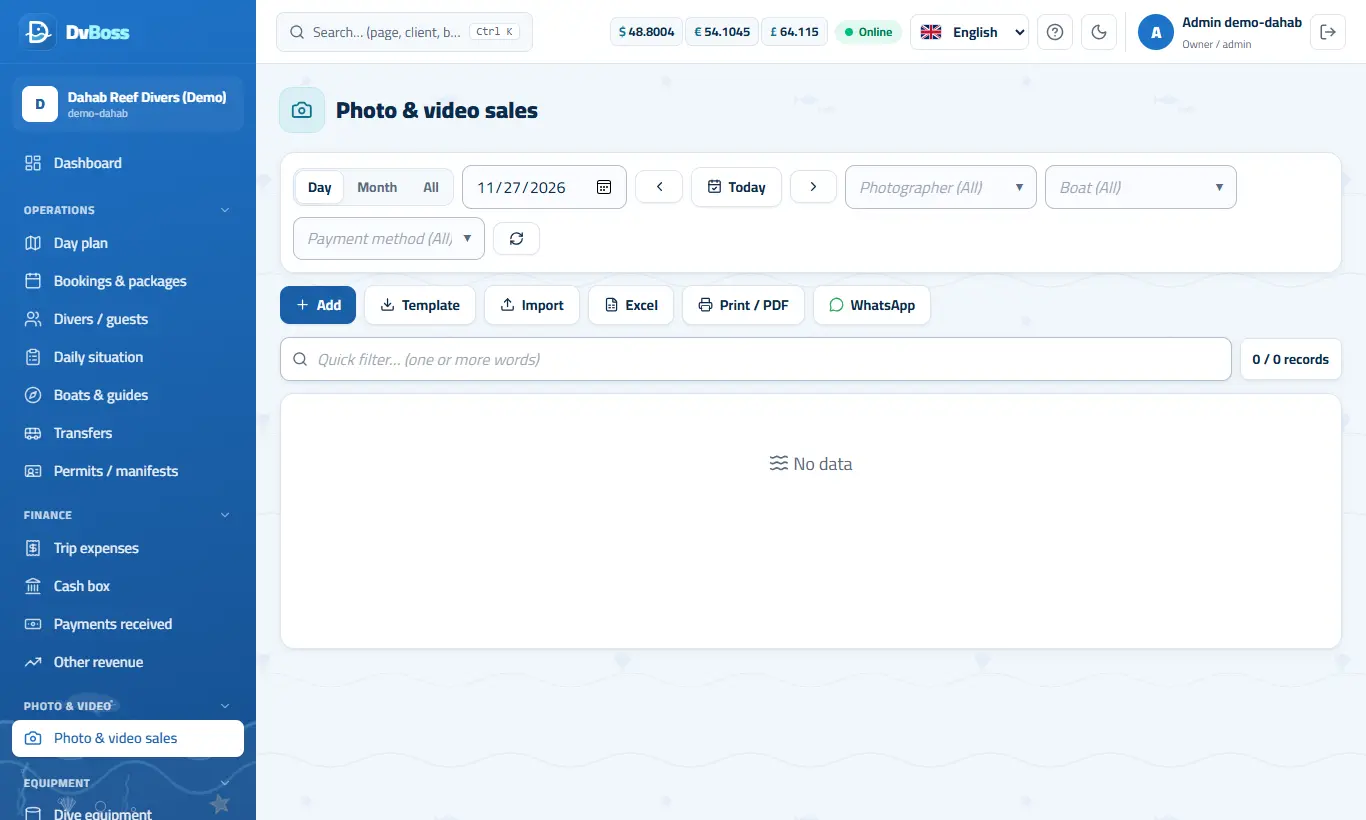
The photographer enters each photo & video sale with customer, boat, payment method and amount.
- 6
Shop sales, rentals and any other income go into Other revenue.
Worked example: A cash box day
Opening balance in: 5,000 EGP. Internet bill (Expense): 700 EGP. Advance to guide Mona: 500 EGP. Custody to Hassan for shopping: 1,000 EGP.
Daily report → cash in 5,000; cash out 700 + 500 + 1,000 = 2,200. Profit for the month → admin expenses 700 (only the Expense line). Mona's staff statement → 500 deducted as an advance.
Common mistakes
Totals look wrong after a rate change. Rows keep the rate of their own date. If a day's rate was entered late, edit and save the rows of that day again to recalculate them.
An advance doesn't show on the staff statement. The cash box row needs the employee in Staff (advances).
Screens