Equipment & service
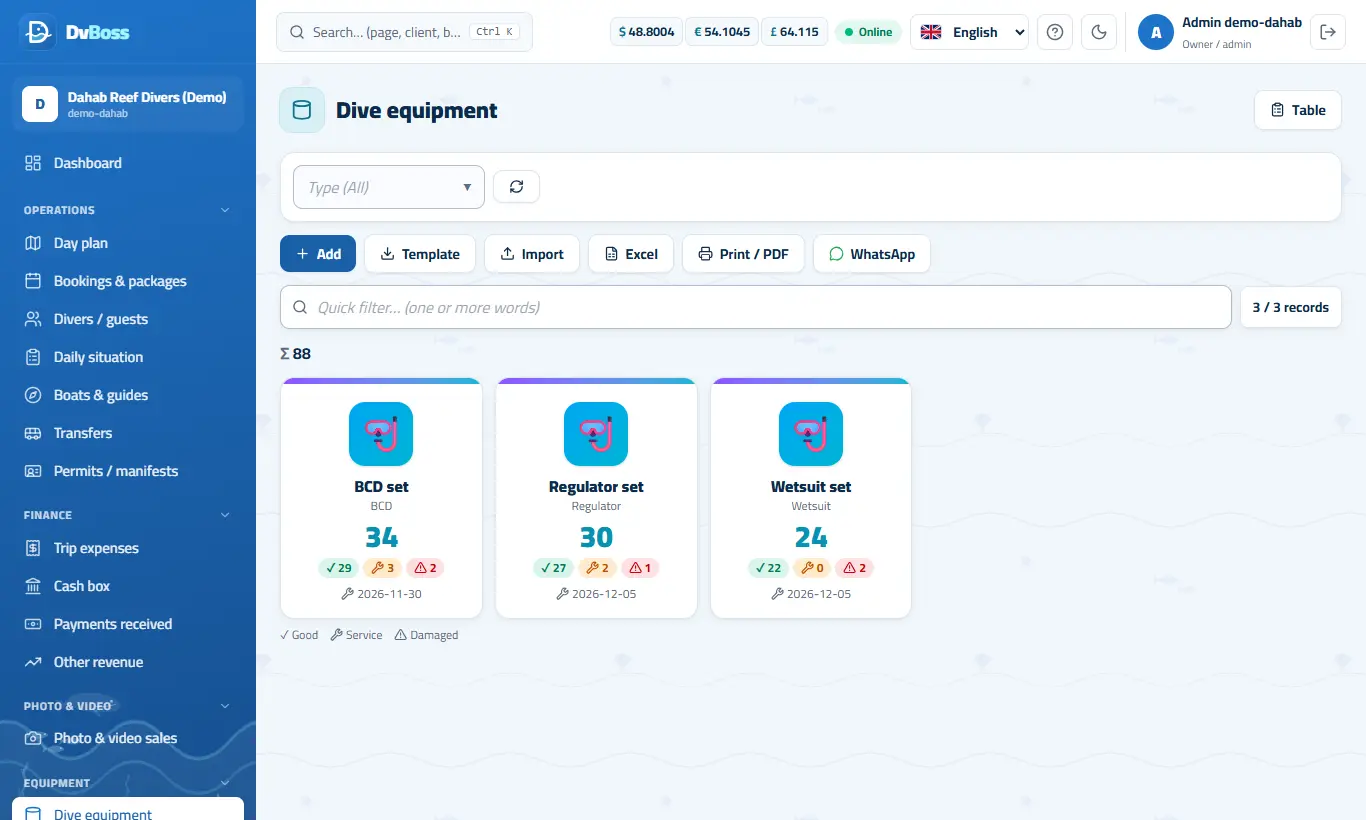
How much gear is good, in service or damaged, when it is next due for service, and a log of the work done on it.
Who uses it: Manager, front desk
Step by step
- 1
Under Dive equipment add one row per group of gear (e.g. "BCD set", "Regulators", "Tanks 12L"): type, icon, unit, and how many are good, in service and damaged. The total is calculated.
- 2
Set the next service date; the dashboard warns when it is within 7 days or overdue.
- 3
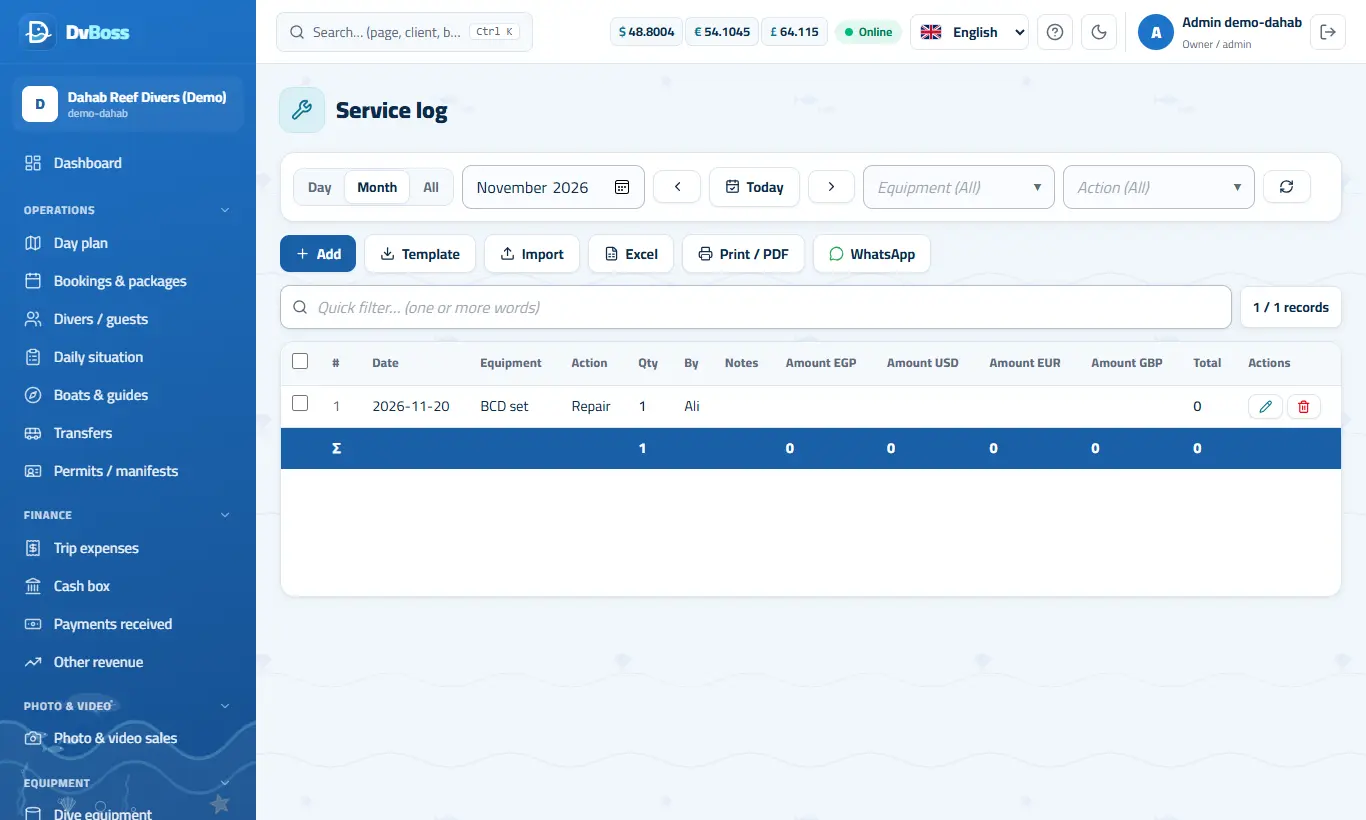
Record every job in the Service log: service, repair, fill, inspection or write-off, the quantity, who did it and the cost.
- 4
When gear goes to or comes back from service, update the good/in-service/damaged numbers on the equipment row.
Common mistakes
The counts didn't change after a service log entry. The log is a history only — change the counts on the equipment row yourself.
Screens